Public Task Portal
The Public Task Portal is a portal that customers can view the status and comments of your shop's public tasks. If you have task tracking installed, you can navigate to yoursite.com/apps/task-tracking to see the public task portal.
Enabling Public Tasks
If you want your workspaces to have public tasks there's a few things you have to do.
Enable Public Portal Access
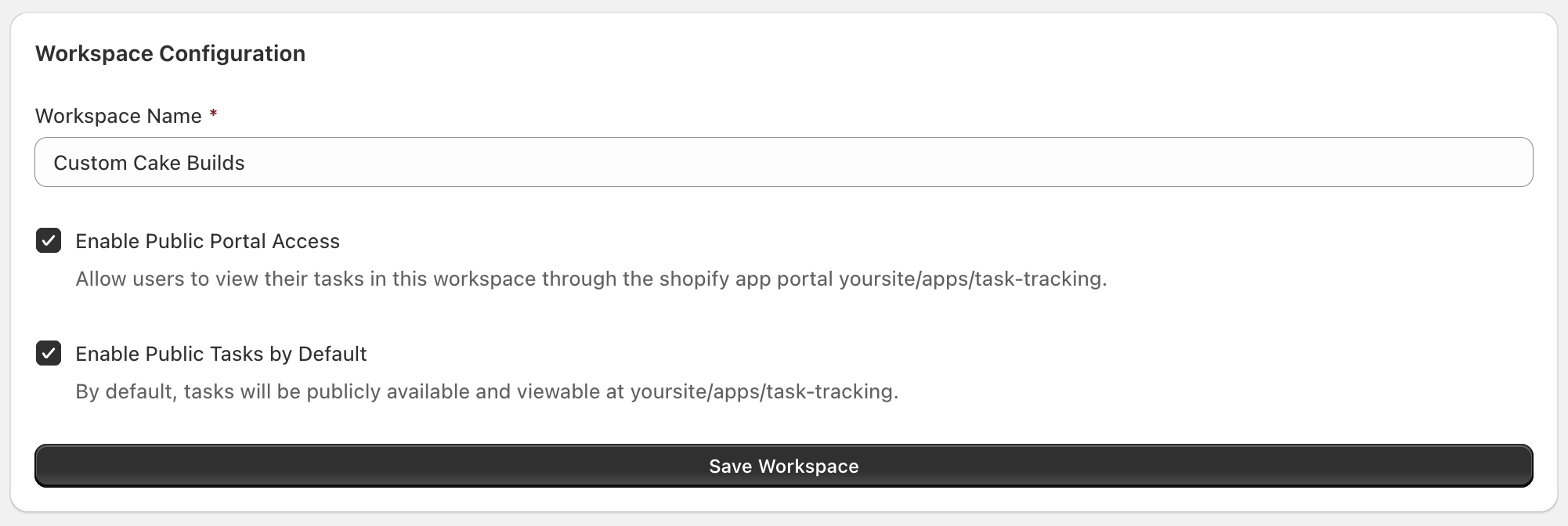
In the Workspace Configuration page, enable the checkbox to enable the public task portal in your shop. You can also enable the Public Tasks by Default setting if you want all tasks and comments to be public by default.
Private Tasks
Private Tasks are only visible to your team when they are logged into the Shopify admin.
Public Tasks
Public Tasks are visible by your customers after they authenticate with their contact information.
Public and Private Comments
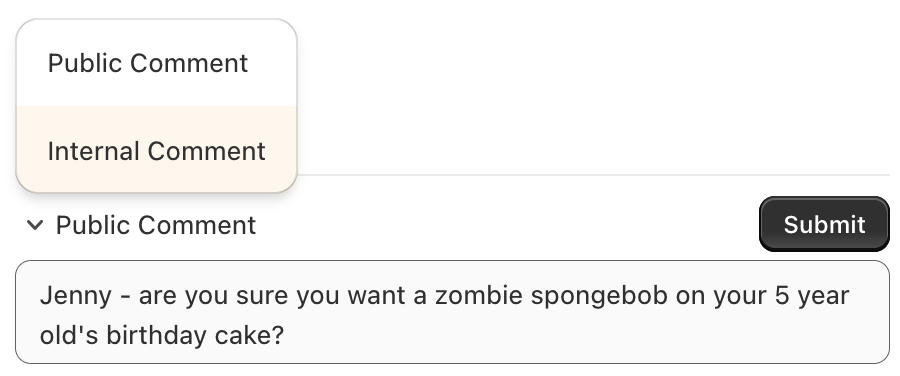
Individual Task Comments may be public or private. Public Task Comments can be seen by your customers on their Public Tasks.
When you create a comment you can specify if the comment will be Private or Public.
Public and Private Files
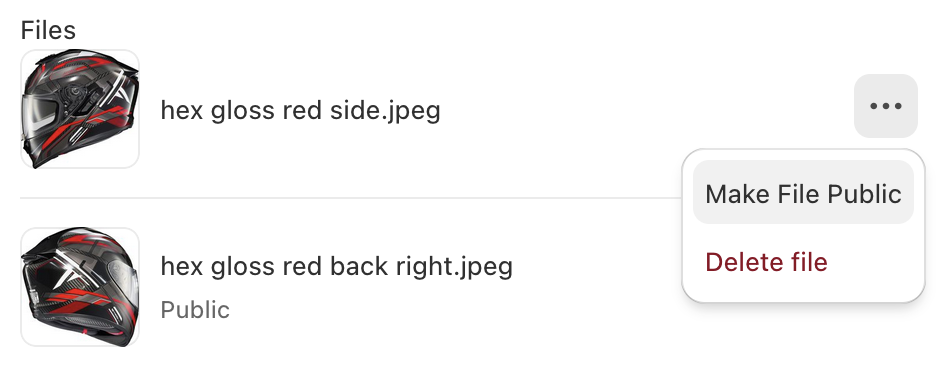
Individual files may be set to be Public or Private. Public Task files will be visible to your customers in the Task Portal.